DevOps
Docker-first, from development to production
Every project runs in containers — identical environments from your laptop to production. Automated deployments, HTTPS, CI/CD, and a custom deployment platform we built and battle-tested across the 25+ applications we currently run in production.
Automation is in our DNA. Manual steps and static configurations make us uneasy — not just because we'd rather spend our time on things that matter, but because automated means testable, repeatable, and transferable.
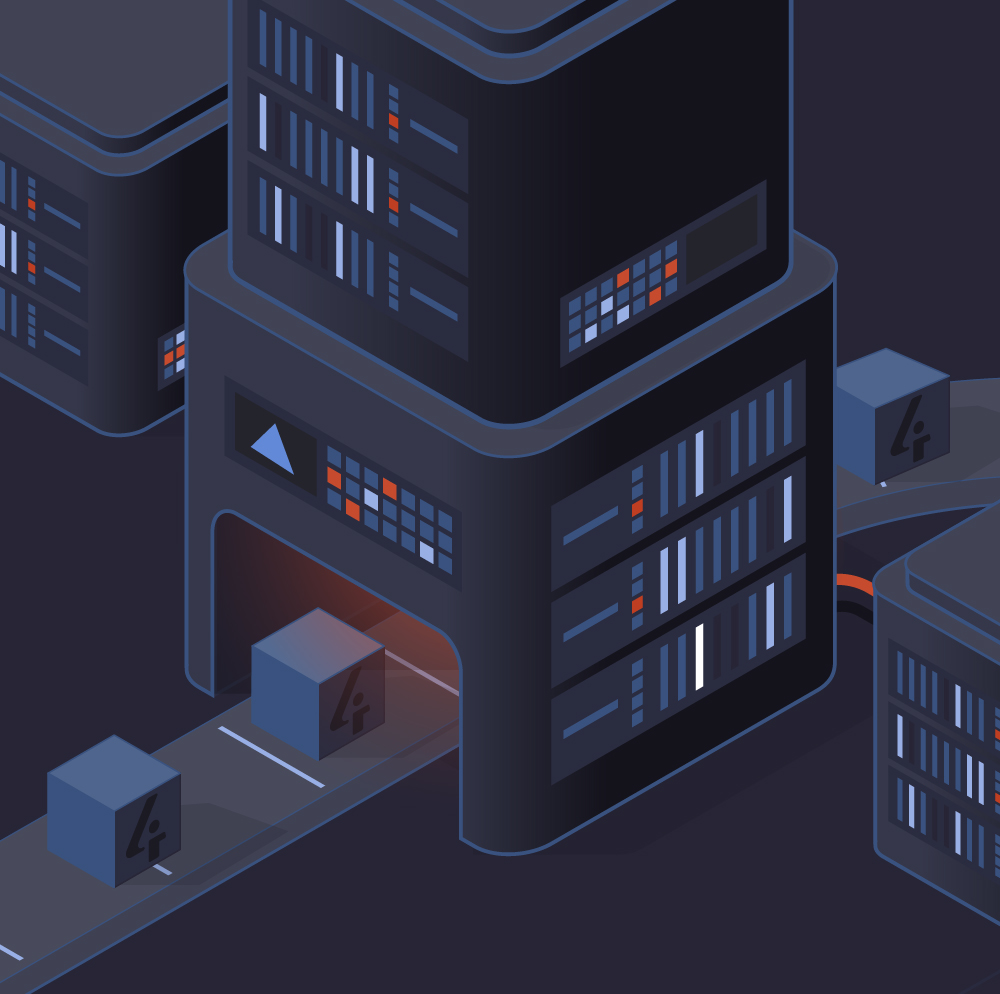
Dockerized Everything
Every project uses the same Docker Compose structure. A new developer can clone any repository and have it running locally in minutes — with web server, database, test database, and worker processes all configured.
- One command to start any project locally
- Test databases included by default
- Private Docker registry with versioned base images
- Identical structure across all projects
What standardization means
Clone and run in minutes
New developer? One command to start any project locally
Switch projects without re-learning
Same structure, same scripts, same workflows everywhere
No environment surprises
Dev, test, and production behave identically
New projects start fast
Our template gives you Docker, CI/CD, and tooling from day one
We can Dockerize your existing project as a consultancy service.
Docker Swarm Production Hosting
Production container orchestration without Kubernetes complexity. Multi-node clusters, automated HTTPS, zero-downtime deployments, and support for both cloud and on-premise infrastructure.
Multi-Node Clusters
Multiple managers and workers across availability zones for redundancy and performance.
Automated HTTPS
Let's Encrypt certificates via Cloudflare DNS, automatically provisioned and renewed.
Traefik Reverse Proxy
Dynamic routing with middleware for IP restrictions, redirects, and rate limiting.
Zero-Downtime Deploys
Rolling updates ensure your application stays available during every deployment.
Cloud & On-Premise
Works on any infrastructure — your cloud provider or your own hardware.
As a Service
We can host your app or set up Swarm on your infrastructure as a consultancy engagement.
Custom Deployment Platform
We built our own deployment platform — not because we wanted to reinvent the wheel, but because we needed something that fits our exact workflow. Push-button deployments with full audit trails, built and battle-tested across all our projects.
- GitHub release triggers automated build and deployment
- PR-based preview deployments for code review
- Multi-environment support (production, acceptance, test)
- Full deployment history and rollback capability
Push Code
Git commit & PR
CI Tests
Full test suite
Release Tag
Triggers build
Build Image
Docker + scan
Deploy
Zero-downtime
CI/CD Pipeline
Every pull request triggers the full test suite automatically. No code merges without passing tests. A consistent, standardized pipeline used across all our projects — from open-source packages to client applications.
- Full test suite on every pull request
- Standardized pipeline across all projects
- Private registry integration for secure builds
- Release-triggered production builds
- Automated base image builds with security updates
- Vulnerability scanning on every image before deployment
Available as a service
Don't have CI/CD set up for your team? We can configure the full pipeline as a consultancy engagement — from GitHub Actions to private registry integration and automated deployments.
Multi-Environment Strategy
Production, acceptance, test — each environment has its own database, secrets, and domain. Managed consistently so that what works in acceptance will work in production.
Development
Docker Compose
Local packages
Hot reload
Test database
Acceptance
PR preview deploy
Client review
IP restricted
Separate database
Production
Docker Swarm
Zero-downtime
Monitoring
Automated HTTPS
CI/CD Pipeline — same image, same tests, same process across all environments
Infrastructure as Code
Everything is reproducible and version-controlled. Docker Compose files for every environment are checked into git. A single Docker image serves multiple roles — web, worker, scheduler — controlled by environment variables.
- One image, multiple roles via environment variables
- Compose files version-controlled in git
- Standardized templates for rapid project bootstrapping
- No "works on my machine" problems — everything is reproducible
Single image, multiple roles
Configuration Management
Every server, every service, every configuration — managed through Ansible playbooks. No manual SSH sessions, no undocumented changes. From initial server provisioning to application deployment, everything is automated and version-controlled.
- Server provisioning and hardening via Ansible
- Monitoring configuration generated and deployed automatically
- Idempotent playbooks — safe to run repeatedly
- Vault-encrypted secrets — credentials never in plain text
Ansible
Central automation hub
Servers
Provisioning, hardening, users, firewall rules
Monitoring
Icinga, Prometheus, LibreNMS, Graylog config
Documentation
Netbox IP management, synced via API
Networking
DNS, VPN tunnels, firewall policies
Docker Swarm
Cluster setup, services, secrets
Backups
Automated schedules, cross-provider storage
Monitoring & Observability
We don't just deploy and hope for the best. Every application, every server, every service is actively monitored with a full observability stack — Icinga for alerting, Prometheus and Grafana for metrics, LibreNMS for network monitoring, Graylog for centralized logging, and Akvorado for network flow analysis. All monitoring configuration is itself automated, so it stays current as infrastructure changes.

What we monitor
Monitoring stack
Icinga
Alerting & health checks
Prometheus + Grafana
Metrics & dashboards
LibreNMS
Network monitoring & SNMP
Graylog
Centralized log management
Akvorado
Network flow analysis
Config generated by Ansible
Actions
Security by Default
Security isn't an add-on — it's built into every layer of our stack. From automated HTTPS and container isolation to vulnerability scanning and encrypted secrets, every project gets the same security baseline from day one.
- Automated HTTPS everywhere via Let's Encrypt
- Docker Secrets for credential management — no .env files in production
- Vulnerability scanning on Docker images before deployment
- IP restrictions and rate limiting via Traefik middleware
- Ansible Vault for encrypted infrastructure secrets
- Private Docker registry — no public image dependencies in production
Security layers
Network layer
Firewalls, VLANs, IP restrictions, DDoS protection
Transport layer
HTTPS everywhere, automated certificate management
Container layer
Isolated containers, scanned images, private registry
Application layer
Encrypted secrets, role-based access, audit logging
Backup & Disaster Recovery
Our starting principle: a backup is only a real backup if it's completely independent from your hosting. Not just a different server or datacenter — a different provider entirely. If your hosting provider has a catastrophic failure, your backups are safe and accessible.
We don't just configure backups and hope for the best. We perform periodic disaster recovery tests — full restores to verify that backups actually work — and deliver reports with findings and recommendations.
- Backups stored at a completely independent provider
- Automated backups — up to hourly for critical systems, at least daily
- Retention policies with multiple recovery points
- Encrypted backups in transit and at rest
- Periodic DR tests with reporting and recommendations
- Infrastructure as code means environments can be rebuilt from scratch
Typical approach
Provider A
Production
Backup
Same provider = same risk
Our approach
Provider A
Production
Provider B
Encrypted backups
Automated Documentation
Documentation that's maintained manually becomes outdated the moment it's written. We automate our infrastructure documentation — IP addresses, network layouts, server inventories — so it's always accurate and accessible through APIs.
- Netbox for IP address management and network documentation
- API-driven — other systems query documentation directly
- Kept in sync with actual infrastructure automatically
- Single source of truth for all infrastructure data
The problem with manual docs
Spreadsheets and wikis with IP addresses, server specs, and network diagrams inevitably fall out of date. Someone adds a server but forgets the spreadsheet. Someone changes an IP but the wiki still shows the old one.
Automated documentation tools like Netbox solve this by being the authoritative source that other systems integrate with — Ansible reads from it, monitoring queries it, and changes are tracked with full audit history.
Private Package Development Workflow
Our in-house packages are developed alongside real client projects. Local package mounting means changes to a package are instantly reflected in the application — no publish-install cycle during development.
- Local package mounting for real-time development
- Composer-based distribution via private repository
- Packages tested against real projects, not just unit tests
- Dedicated development environment for package work
Development workflow
Need DevOps expertise?
Whether you need us to host your application, set up your CI/CD pipeline, or Dockerize your existing project — we can help as a full-service provider or as a consultant alongside your team.